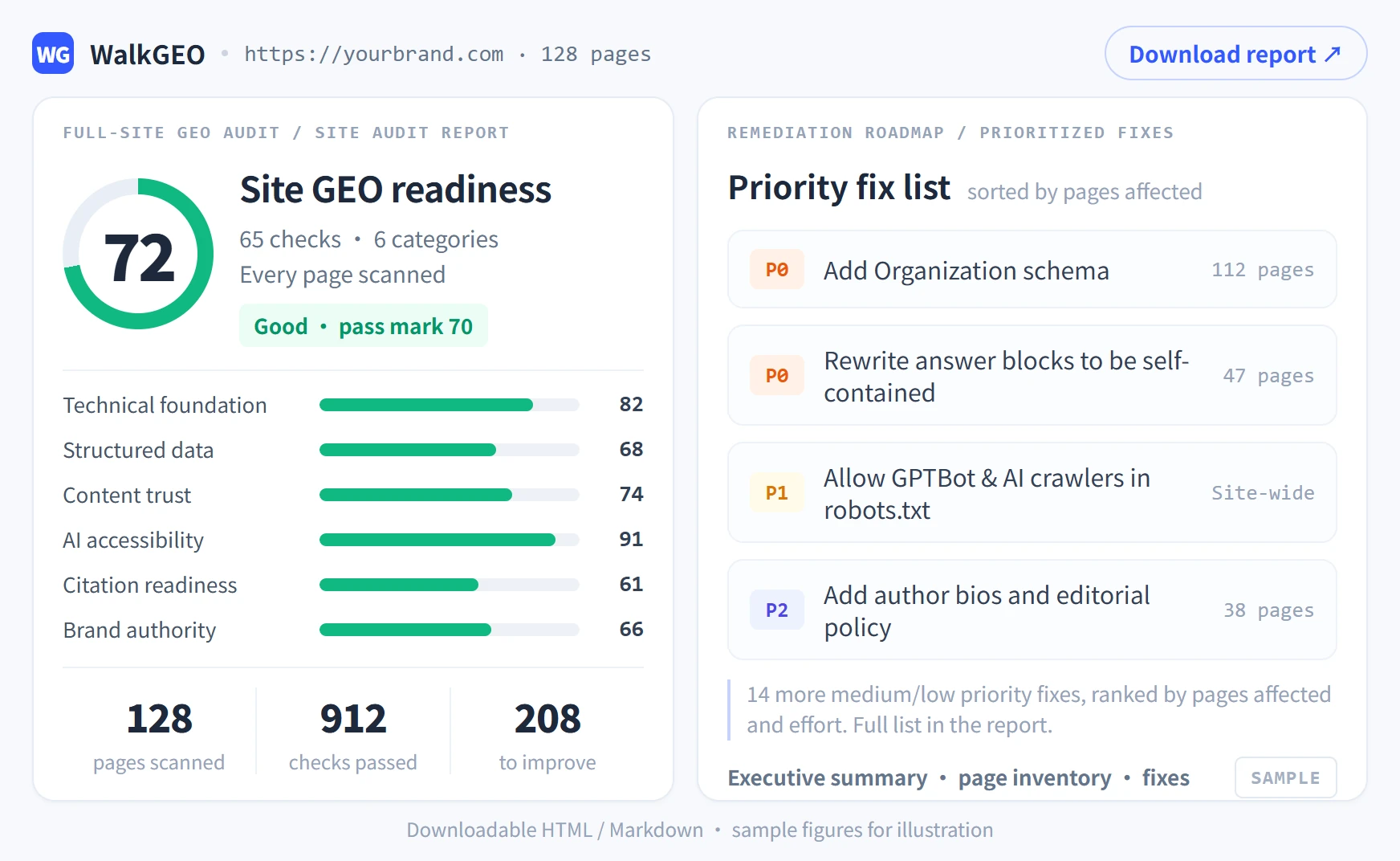
Existing Page Optimization
Import a published page, read the preflight, run the one-click fix pipeline — 63.5 → 85 in our test.
Path: /app/create/optimize (Create → GEO Optimization)
Import a published page and run a one-click full GEO fix: rewrite the body, complete SEO meta and schema. In our test runs the overall GEO score went from the low 60s to 85+.
Step 1: Import a page (three sources)
| Source | How |
|---|---|
| From URL | Paste a published page link (https://yoursite.com/blog/your-article); the crawler extracts the body automatically |
| My articles | Pick a saved draft from the library |
| WordPress | Search and import from a connected WordPress site (configure in Connectors first) |
Step 2: Read the preflight
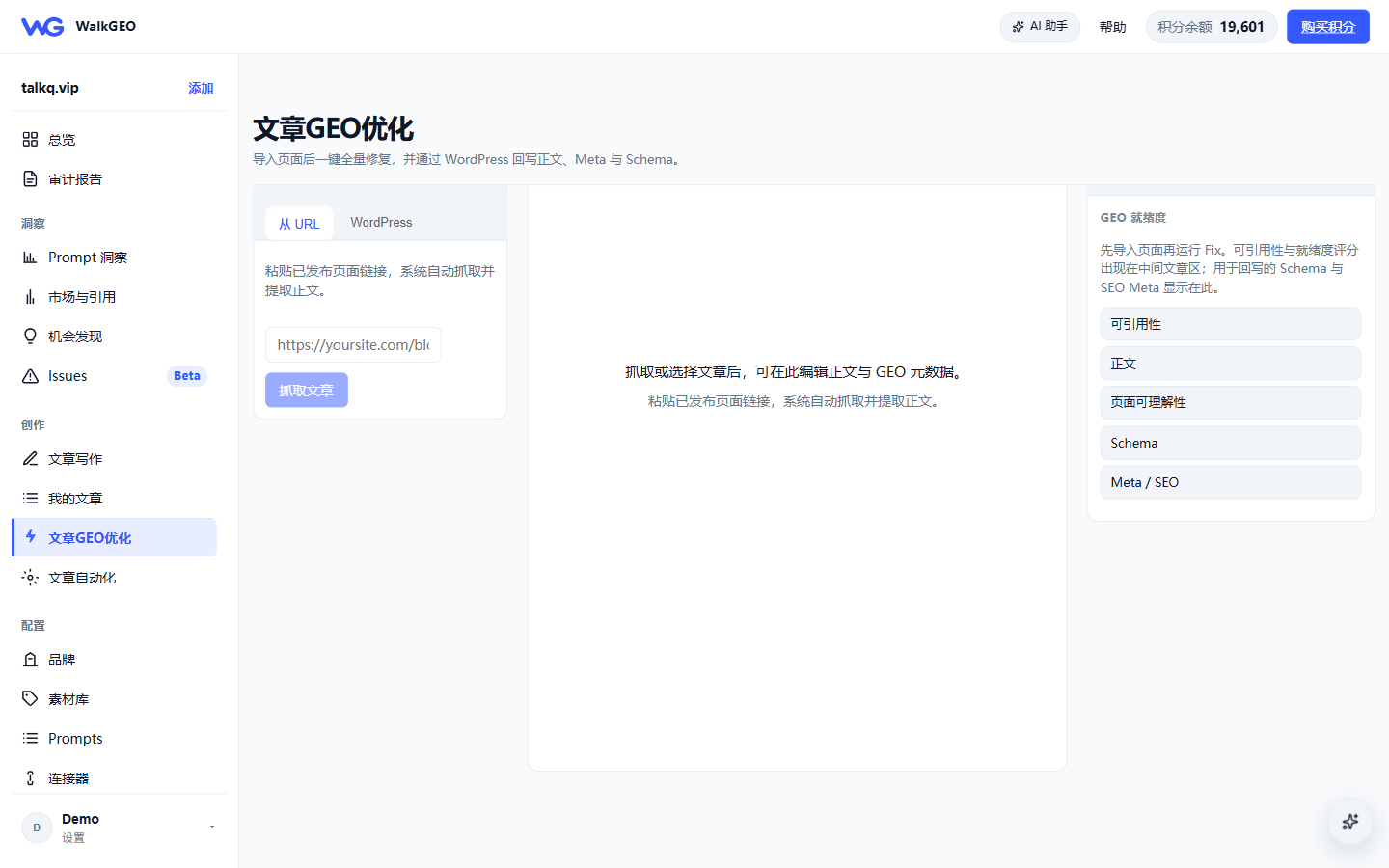
After import the system runs a preflight that tells you whether and how to fix:
| Preflight state | Meaning | Action |
|---|---|---|
| Already good | Meets the quality threshold | No fix needed |
| Surgical patch | Body is usable; keep author intent, patch only SEO & GEO gaps | Click Fix |
| Rewrite recommended | Global gaps in structure and answerability | If the lift is small after fixing, recreate from topic |
| Source invalid | Only page meta was fetched, no usable body | Try another link, or use "create from topic" |
The preflight also lists how many issues can be patched and the current score.
Step 3: One-click fix
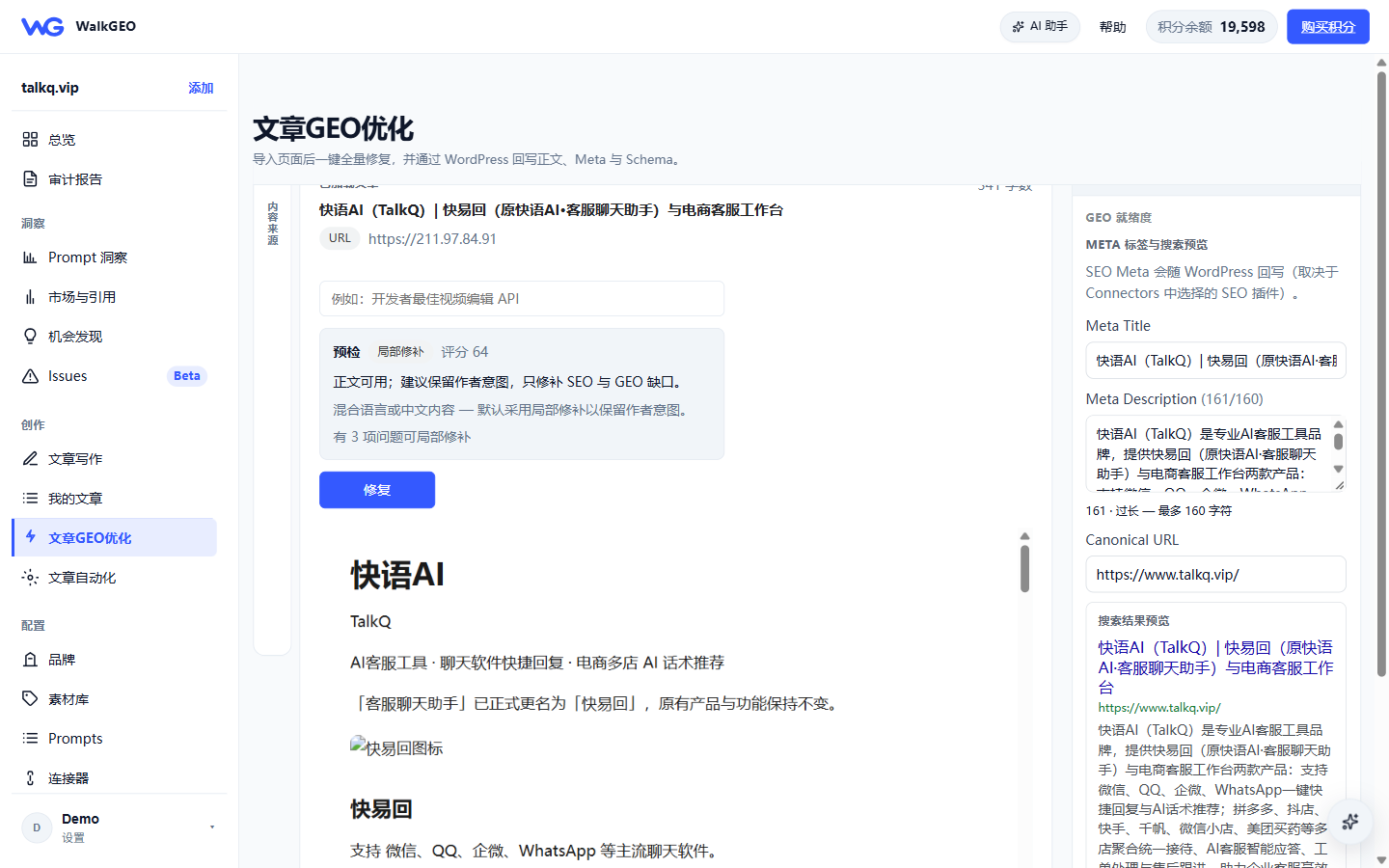
Click Fix — the task is queued in the background (you can leave the page). The pipeline runs in order:
- Page audit (7-dimension GEO readiness)
- SEO optimization passes (rewrite → recheck, multiple rounds)
- Readability passes (Flesch target auto-selected by topic)
- Transitions and long-sentence splitting
- Internal & external links (floor: 2 internal / 1 external)
- GEO structure enhancement + asset generation (meta / schema / llms.txt / robots)
Step 4: Review the result
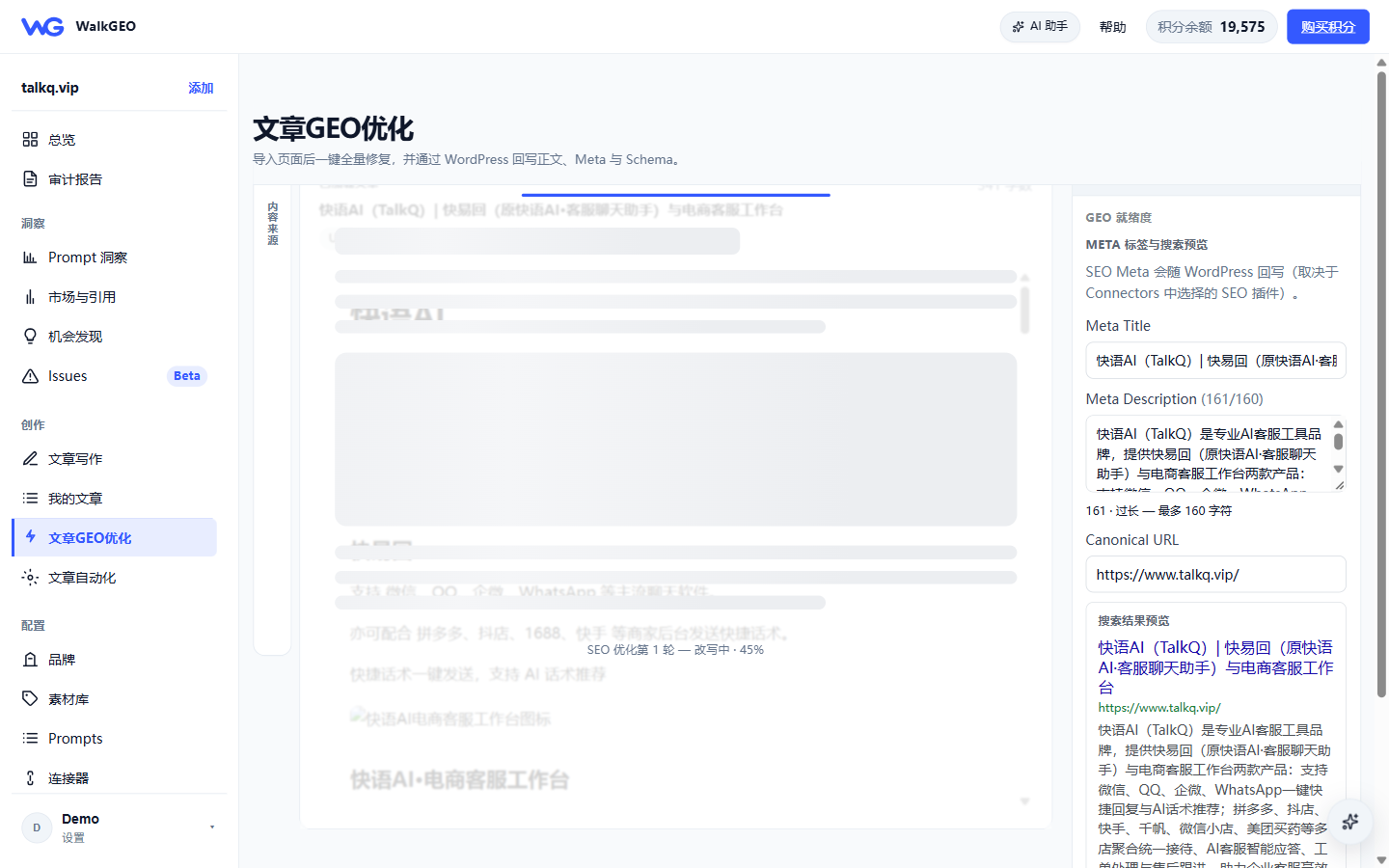
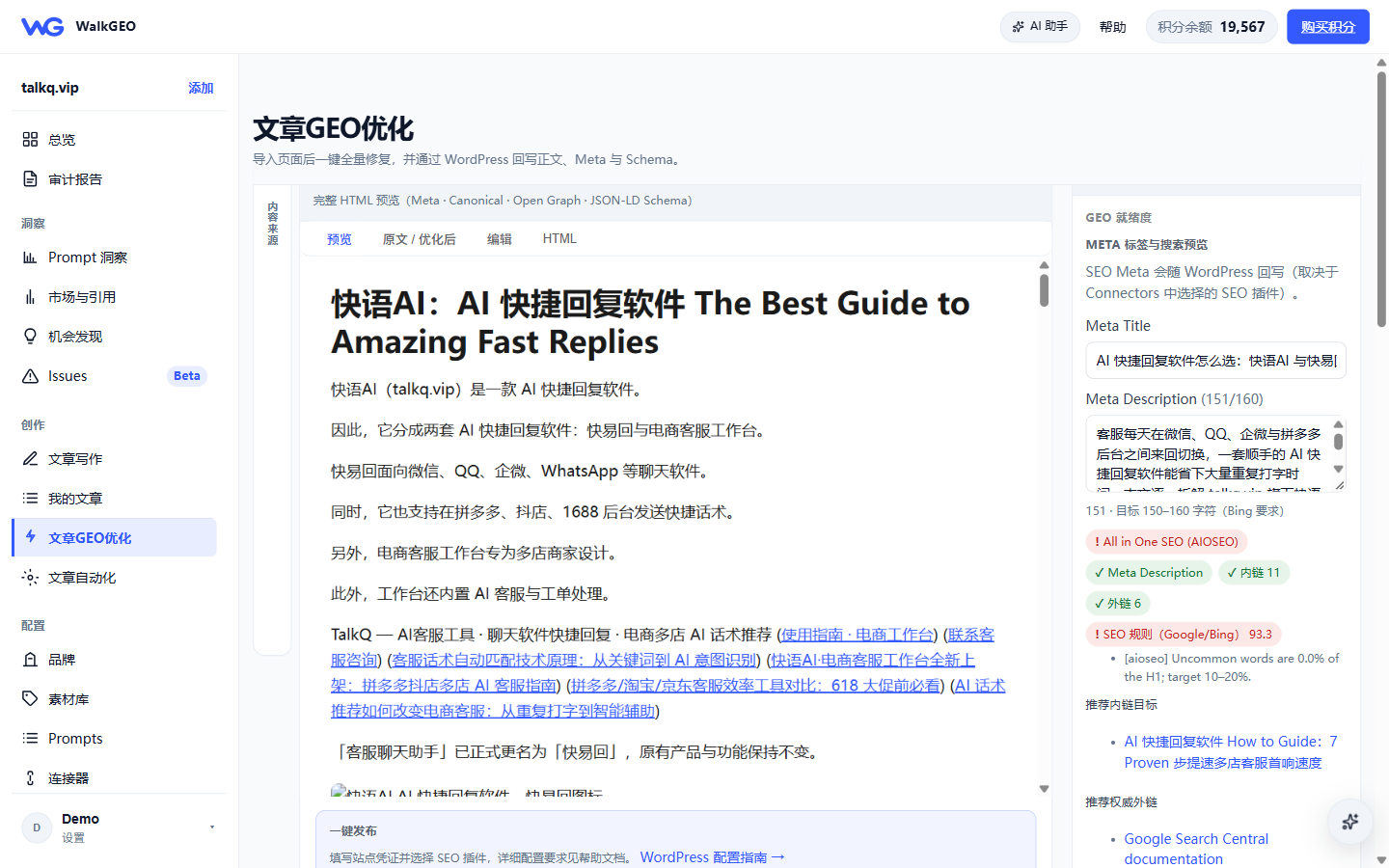
When done, the optimized body appears in the center pane and the GEO readiness panel on the right shows:
- Overall GEO score (before → after; 63.5 → 85 in our test)
- Seven dimensions: citability / body / page comprehensibility / schema / meta / llms.txt / AI crawlers
- Meta tags & search preview: meta title, meta description (over 160 chars is flagged), canonical
- Schema (JSON-LD): copy-ready; submitted along with the body when writing back to WordPress
Step 5: Save & write back
| Action | Notes |
|---|---|
| Save to WordPress | Requires Connectors configured with an SEO plugin; blocked while QC fails |
| Save to library | Stored as a draft; continue later in My articles |
| Ask Agent | Hand off to the AI assistant with context for diagnosis |
Meta not landing in WordPress? See the in-app WordPress REST API setup guide.
Cost notes
Every fix is a multi-pass LLM run. Levers: shorter pages cost less; already good pages are skipped for free; batch fix only runs on selected rows.
Next steps
- Article writing guide — write new articles from scratch
- My articles & publishing — drafts and publishing
- Understanding Issues — pull pages into optimization from Issues